What you will achieve
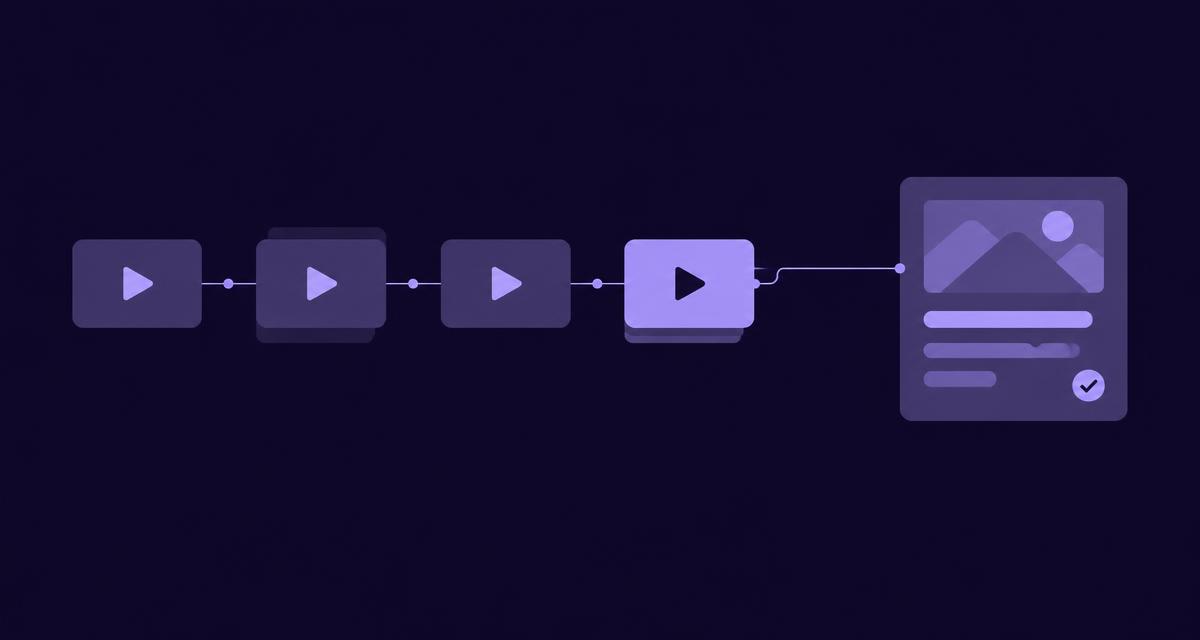
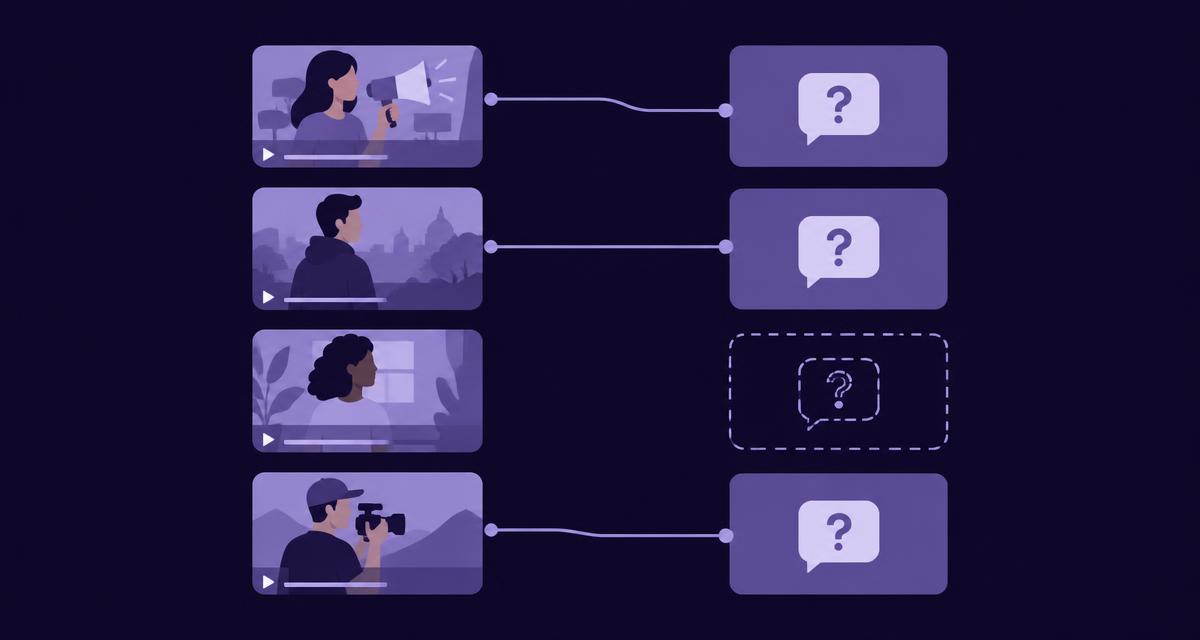
Build a manageable campaign collection and a reviewed record of the questions its assets can help answer. You will finish with clear asset references, visible version differences, a question coverage table and a short content or evidence-request queue. The purpose is to make the collection useful to the next person who needs an answer, without asking them to watch everything from the beginning.
Before you start
Choose one campaign or product group with a clear owner. Gather the relevant adverts, current product facts, campaign context and a small set of customer questions. Confirm which files are current, which are historical and which belong to other markets.
Use the collection, library or grouping features available in your current AdCyte workspace. If a dedicated grouping or coverage view is unavailable, maintain a simple register with links to the relevant assets and evidence. This guide describes the review method; it does not require you to assume a feature exists because it would be convenient.
Complete the first-video workflow and source review where needed. Analyse every advert in the chosen group, including short edits and local versions.
1. Define the boundary of the collection
Write a short scope statement identifying the campaign, product range, markets and period covered. State whether the collection contains only current approved assets or also historical versions used for comparison.
Keep the first collection small enough to review completely. A useful campaign group might include a hero film, demonstration, retail edit and regional version. The exact number matters less than the clarity of the relationship between them.
Record the owner who can resolve asset questions and the person who can confirm product facts. These may be different people.
Check: a colleague can tell which assets belong and why, without relying on your memory of the project.
2. Identify the assets consistently
Give each asset a clear reference using the existing naming and record conventions. Capture the title, campaign, product, market, version and current status where those details are known.
Do not silently fill gaps. If a file's market or approval status is unclear, mark it for confirmation. A plausible filename is a useful clue and an unreliable witness.
Use the available AdCyte grouping features to connect the assets, or add their references to the working register. Avoid creating duplicate records solely to make the collection look complete.
Check: the same asset can be identified reliably from the collection, its analysis and the source file record.
3. Review the findings across the asset set
Open significant findings and inspect the supporting moments in context. Record the products, messages, claims and demonstrations relevant to the collection's purpose.
Compare versions without flattening their differences. A short edit may remove a qualification. A retail film may show a specific bundle. A local version may use a different product name. Keep each finding connected to the asset that supports it.
When a finding needs an approved fact to become publishable, link or reference that source through the available workflow. Confirm product version and market before carrying the statement into a shared summary.
Check: the collection summary preserves important differences and does not turn a version-specific observation into a universal claim.
4. Add the customer questions
Choose questions that make the collection useful: what a feature does, which package includes an item, how versions differ or what the campaign communicates. Include real questions from customer-facing teams where available.
Keep the original wording and record a clearer working version if needed. Separate distinct needs rather than placing several questions in one row and hoping the evidence will sort itself out.
Use the question-to-evidence method to connect each question to relevant moments and current approved facts. Record missing information and conflicts as part of the work.
Check: each question has a clear audience need and can be assessed against specific sources.
5. Build the coverage table
Use the workspace's coverage view if it is available and appropriate, reviewing the underlying evidence. Otherwise, create the following record in your existing campaign brief or register.
| Question | Supporting assets | Approved facts | Review status | Next action |
|---|---|---|---|---|
| Which package includes the travel case? | Launch film shows the case | Current package record confirms the travel bundle | Supported | Prepare a package-specific answer |
| Is the product suitable for a particular use? | Demonstration gives partial context | Relevant condition not yet confirmed | Partly supported | Ask the product owner |
| What is the campaign's central message? | Hero film and cutdown | Approved campaign brief | Supported | Prepare a campaign description |
| Does a local version have the same offer? | Regional edit differs | Local offer source required | Unresolved | Confirm with the market owner |
These entries illustrate the method; replace them with the actual campaign evidence. Where sources conflict, record that explicitly rather than assigning a positive status because one asset appears convincing.
Check: a supported label means the relevant review is complete, and incomplete rows have a reason and next action.
6. Choose useful outputs and evidence requests
Prioritise questions with genuine audience value, sufficient support and no suitable existing answer. Decide whether each needs an addition to an existing page, a new explanation, a description or another destination-specific output.
Group overlapping needs where one maintained answer can serve them well. Analyse every advert, but do not use the asset count as a target for the number of pages to publish.
Keep requests for missing evidence separate from the content queue. Give each request a named owner and a precise question. “Please confirm whether the travel case is included in the current UK standard package” is easier to answer than “please review all claims”.
Check: the queue distinguishes work ready to draft from work awaiting a factual decision.
7. Test the collection with another person
Ask a colleague who was not involved in organising the collection to complete one ordinary task. For example, find the evidence for a package answer and identify who can approve it.
Observe whether they can locate the right asset, inspect the relevant moment, find the current fact and understand the status. Record any missing context or confusing labels, then improve the collection accordingly.
If useful, measure the time and clarification requests needed for the task. Use that evidence to judge the organisation, rather than the number of tags you have successfully persuaded everyone to enter.
Check: the collection helps someone complete a real request with a clear, supportable result.
Your finished collection record
You should have a scope statement, an asset list with version and market context, reviewed findings linked to their sources, and a question coverage table. The table should lead to a short queue of content tasks and factual requests, each with an owner.
Keep the record current when a new edit arrives or a product fact changes. Use the available product features where they help, and preserve the relationships in the existing register where they do not.
Troubleshooting
| Problem | What to do |
|---|---|
| Many near-identical edits obscure the useful material | Group them clearly while preserving individual source references and material differences |
| A shared summary contradicts one version | Recheck scope and identify which asset and approved fact apply |
| Every question appears supported | Inspect whether the review has confused a related scene with sufficient evidence |
| Nobody uses the collection | Test it against a real request and remove organisation that does not help the task |
Completion checklist
- The collection has a clear scope and owner.
- Every advert has been analysed and significant findings reviewed.
- Version and market differences remain visible.
- Questions connect to evidence and approved facts.
- Incomplete coverage has a reason and next action.
- A colleague has completed a real retrieval task successfully.
Next step
Turn a supported question into a reviewed draft, then follow the publication guide. Explore AdCyte for creative and content operations if your team needs this process across a larger estate.
FAQs
Should we begin by organising the entire video library?
Start with one useful collection and test the method on real requests. Expand once the fields, ownership and review process work. A large import can create plenty of activity while postponing the question of whether anyone can find and use the resulting evidence.
Can the same asset belong to more than one useful grouping?
It may support several contexts, such as a campaign and a product range. Use the relationships supported by your current system and preserve a stable asset reference. Avoid unnecessary duplicate records that can develop conflicting review status or version information.
Does evidence coverage mean we have enough content?
It means the reviewed sources can support specified questions under the recorded conditions. Publication coverage is a separate check: a supported answer may not yet exist at a suitable destination. Track both so the team can distinguish missing evidence from content that is ready to develop.
<!-- Public copy ends. -->