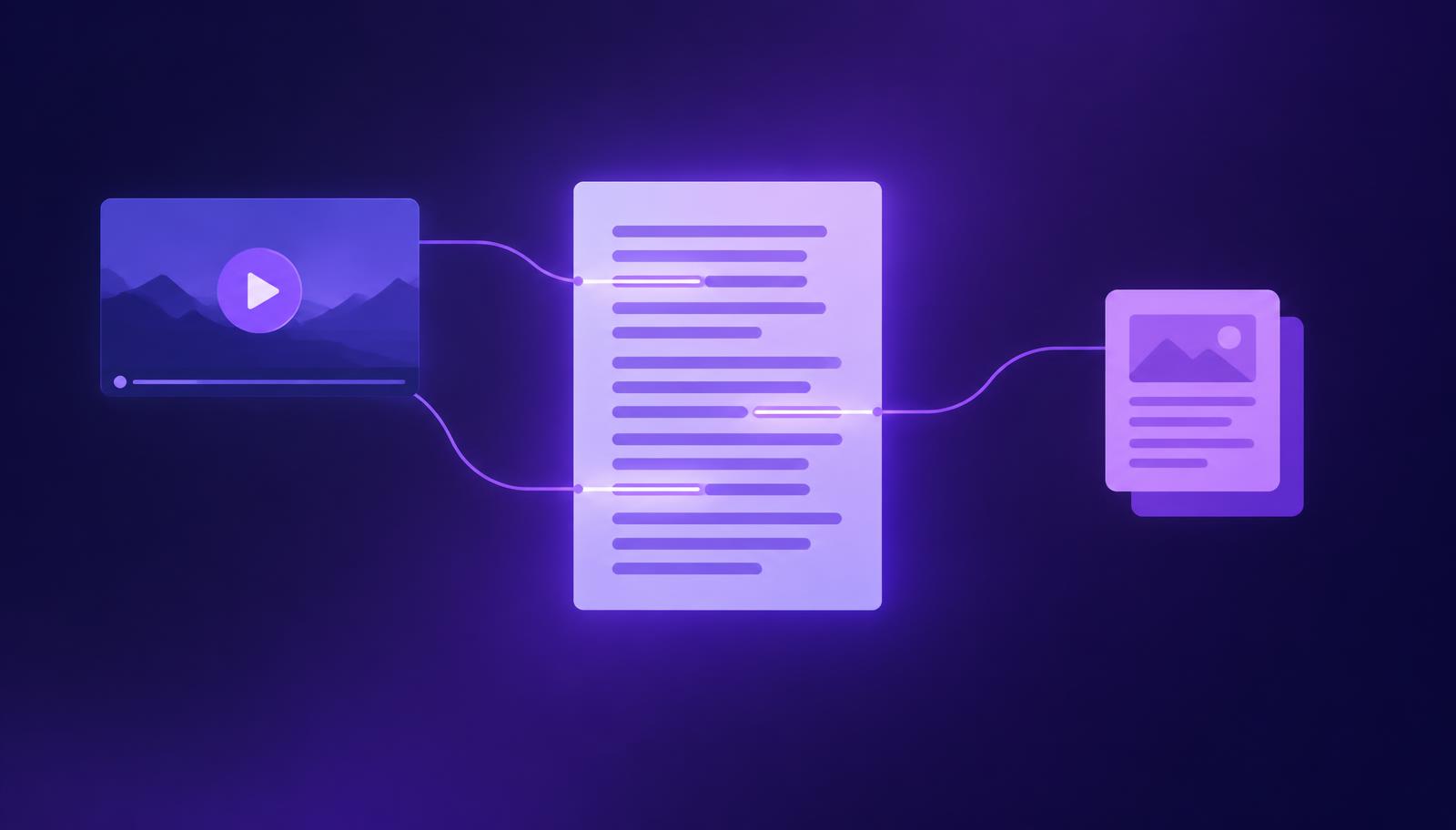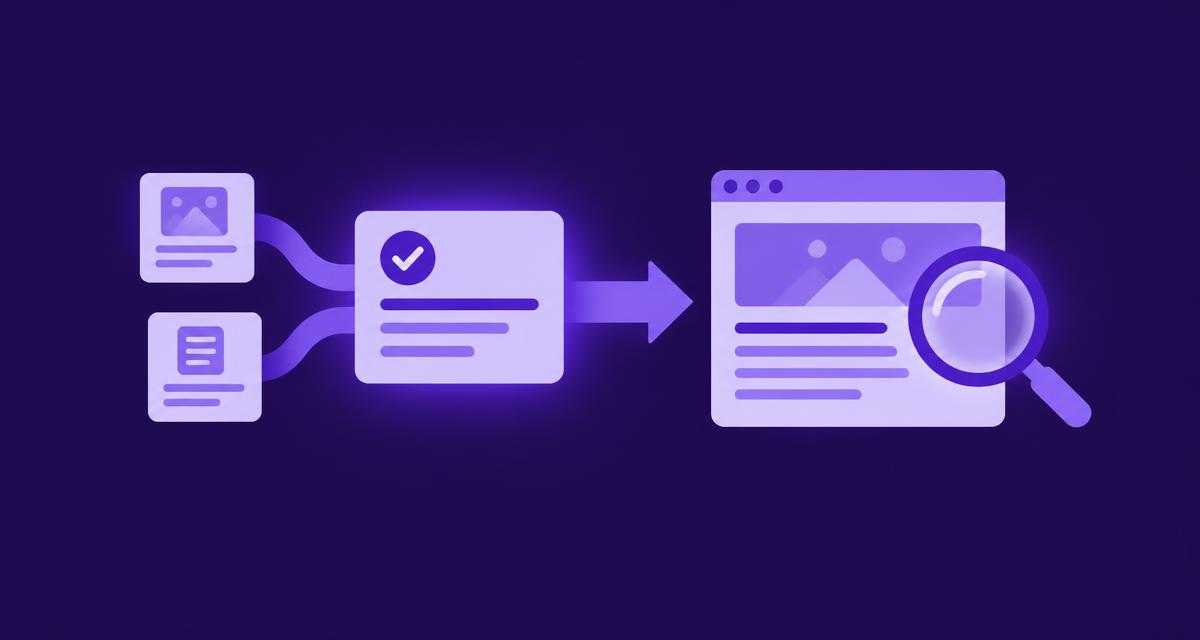
What you will achieve
Take an approved answer from its saved draft to a suitable public destination, then confirm that the live content preserves the wording, sources and useful next step. You will finish with a publication record that another team member can inspect and maintain. This guide covers the review and handover decisions that apply whether your current setup publishes directly or a destination owner completes the final step.
Before you start
You need a reviewed answer, its supporting video evidence, the approved product facts and permission to publish through your organisation's normal process. Confirm the target destination, the person who controls it and the current publication method available in your AdCyte setup.
Use the draft-review guide if wording or factual approval is incomplete. Resolve material questions before publication. The existence of a publish control is not an alternative approval policy, however encouragingly coloured it may be.
Keep the exact approved revision accessible. If the destination requires manual entry, make sure the receiving person has that version and its required links and qualifications.
1. Confirm the question and destination
Read the answer as a customer would. Check the question it resolves, the product and market it covers, and the next step it offers. Then inspect the proposed destination.
If an existing product page already serves the question, an addition or revision may be more useful than a separate page. Create a new page when the need is distinct and the content has enough substance to stand on its own.
For an AdCyte destination, confirm its purpose and availability in the current workspace. For an external destination, confirm the owner's requirements and access. Do not assume that generating content also enables direct publication to every channel.
Check: there is one agreed destination and a named person responsible for making the answer live.
2. Freeze the approved meaning
Review the exact text, product references and qualifications against the approved sources. Confirm that the answer still applies to the current version and market, particularly if some time has passed since the draft was approved.
Record any final editorial changes and obtain the appropriate review if they alter meaning. Shortening a sentence can remove an important condition; adding a headline can broaden a claim beyond the body text.
For example, “the premium package includes the travel case” should not become “travel case included” above a page covering several packages. The shorter version has saved words by spending accuracy.
Check: the title, summary, body and CTA all preserve the same approved scope.
3. Prepare the destination-specific presentation
Use the destination's established structure and styling. Lead with the direct answer, then provide the supporting detail the reader needs. Keep product names, conditions and links readable in ordinary text.
Check the title, summary or description, internal links and any relevant image or video. Use descriptive alternative text for meaningful images and preserve captions or other accessibility features available for the media.
If the destination has metadata or structured-data controls, follow its existing implementation and ensure the values describe the actual visible content. Do not invent an author, date, review score or video detail to complete a field.
Check: a reader can understand the answer without having to play a video or infer information from an image.
4. Choose the supported publication route
| Route | What to do | What to record |
|---|---|---|
| Direct supported publication | Use the destination and action available in the current workspace, following the existing approval process | Output revision, destination and confirmed status |
| Manual external publication | Give the destination owner the approved content, links and required conditions | Handover owner and status until the page is checked |
| Draft or staged page | Review the preview and retain the task for authorised publication | Preview reference and remaining approval or publishing step |
Do not label a handover as published. If the available workflow records an external publication based on a user's report, preserve that status until someone has independently checked the destination.
Keep a reference between the saved output and the destination using the current product features or your existing publication register. The record should let someone identify which wording was actually sent.
Check: the status describes what has happened, rather than what everyone expects to happen shortly.
5. Inspect the public result
Open the destination in its public context and read the answer from beginning to end. Check that the title, summary, body and CTA match the intended revision. Test relevant links and any embedded media.
Look for information lost in transfer: a table column, a footnote, an important condition or a link attached to the wrong words. Check the page on a narrow screen as well as a larger one, especially where a comparison table or long product name is involved.
If access is restricted or publication is delayed, record the actual state and return to the task when the page can be checked. A preview can establish that a draft looks right; it cannot establish that the public destination is live.
Check: the answer is accessible at the intended URL and retains the approved meaning.
6. Complete the publication record
Record the live URL, publication date, approved output reference, reviewer or owner and any outstanding issues. Add the current source references and the product changes that should trigger a future review.
Where several destinations use the same approved fact, retain a reference to each. A later package or specification change should have a practical route to the people who can correct the affected material.
An optional monitoring question can be linked to the content if it serves a defined observation plan. Keep publication completion separate from later visibility results; a page can be correctly published without appearing in a sampled answer.
Check: another colleague can find the live content, understand its source and identify who maintains it.
Your finished record
Use this illustrative example as a model for the information to retain.
| Field | Example |
|---|---|
| Answer | Which package includes the travel case? |
| Approved scope | Current UK standard and travel packages |
| Destination | Existing product page, package details section |
| Saved output | Reference to the exact approved revision |
| Publication state | Public destination checked after publication |
| Source | Current package specification and relevant video moment |
| Owner | Product-page editor, with product owner for factual changes |
| Review trigger | Package contents or market availability changes |
Troubleshooting
| Problem | What to do |
|---|---|
| The destination is not available in AdCyte | Use the authorised manual workflow and record the handover accurately |
| The live answer differs from the approved version | Correct the destination and review any change in meaning |
| A link points to the wrong market or package | Replace it with the appropriate current destination and check again |
| The page is live but a sampled answer does not cite it | Treat this as a separate visibility observation; publication does not guarantee citation |
Completion checklist
- The destination serves the actual customer question.
- The published wording retains the approved scope and conditions.
- Links, media and narrow-screen presentation have been checked.
- The publication state is accurate and inspectable.
- The live URL is connected to the saved output and source references.
- A maintenance owner and relevant change triggers are recorded.
Next step
If you have a defined question to observe, run and record your first AI visibility scan. For a workflow spanning several destinations, book an AdCyte demo using one approved answer and its intended publication route.
FAQs
Can AdCyte publish directly to every website or social channel?
Use only the destinations and actions available in your current setup. Some channels may require manual publication by their owner. Content preparation, a completed handover and a verified live page are different states, and the publication record should preserve that distinction.
Do I need a separate page for each video answer?
No. Place the answer where it best serves the reader. An existing product page may be the right destination, while a distinct question with substantial supporting detail may justify a new page. Analyse all adverts, then choose the output according to usefulness and scope.
Should I begin measuring visibility immediately after publication?
You can record publication and begin the agreed observation plan, but immediate absence from an answer does not establish failure. Use a defined method, retain the baseline where available and allow for the limitations of the selected providers and collection process.