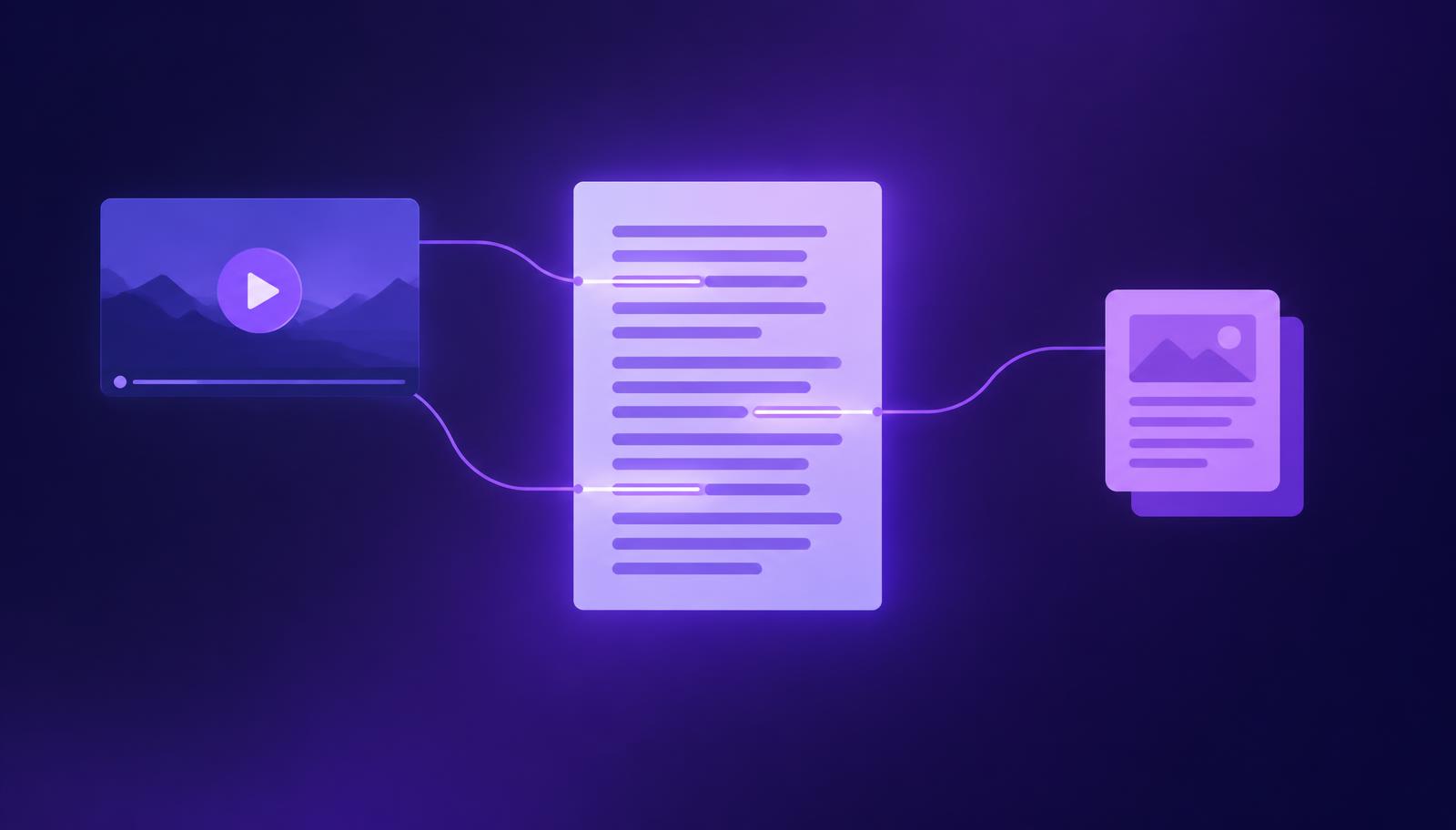
What you will achieve
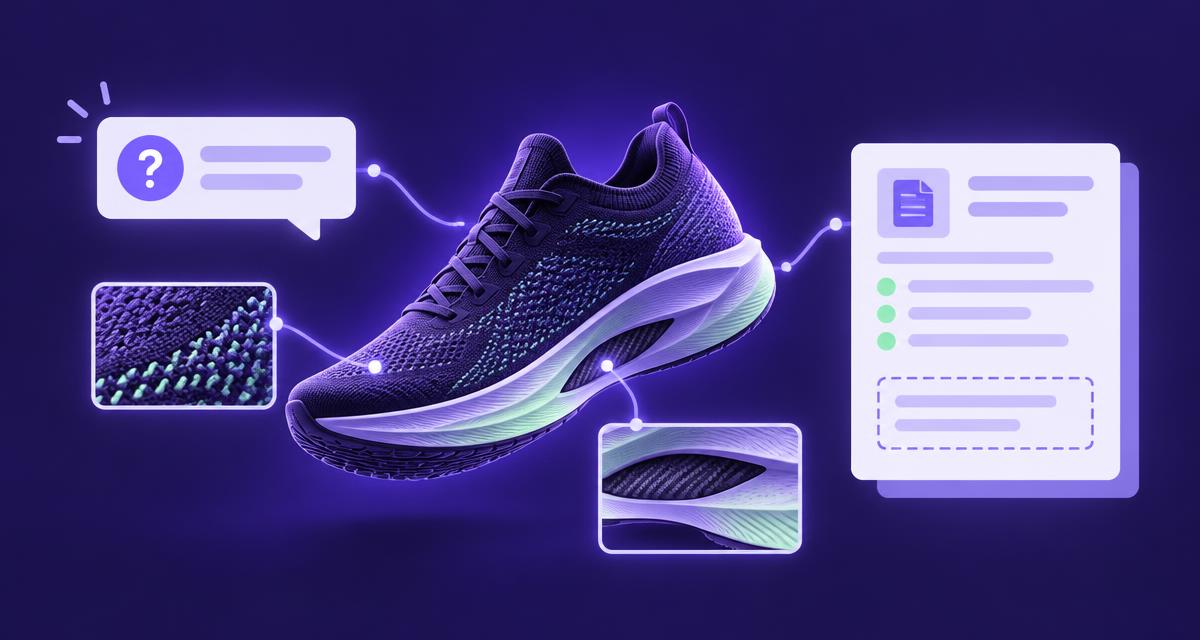
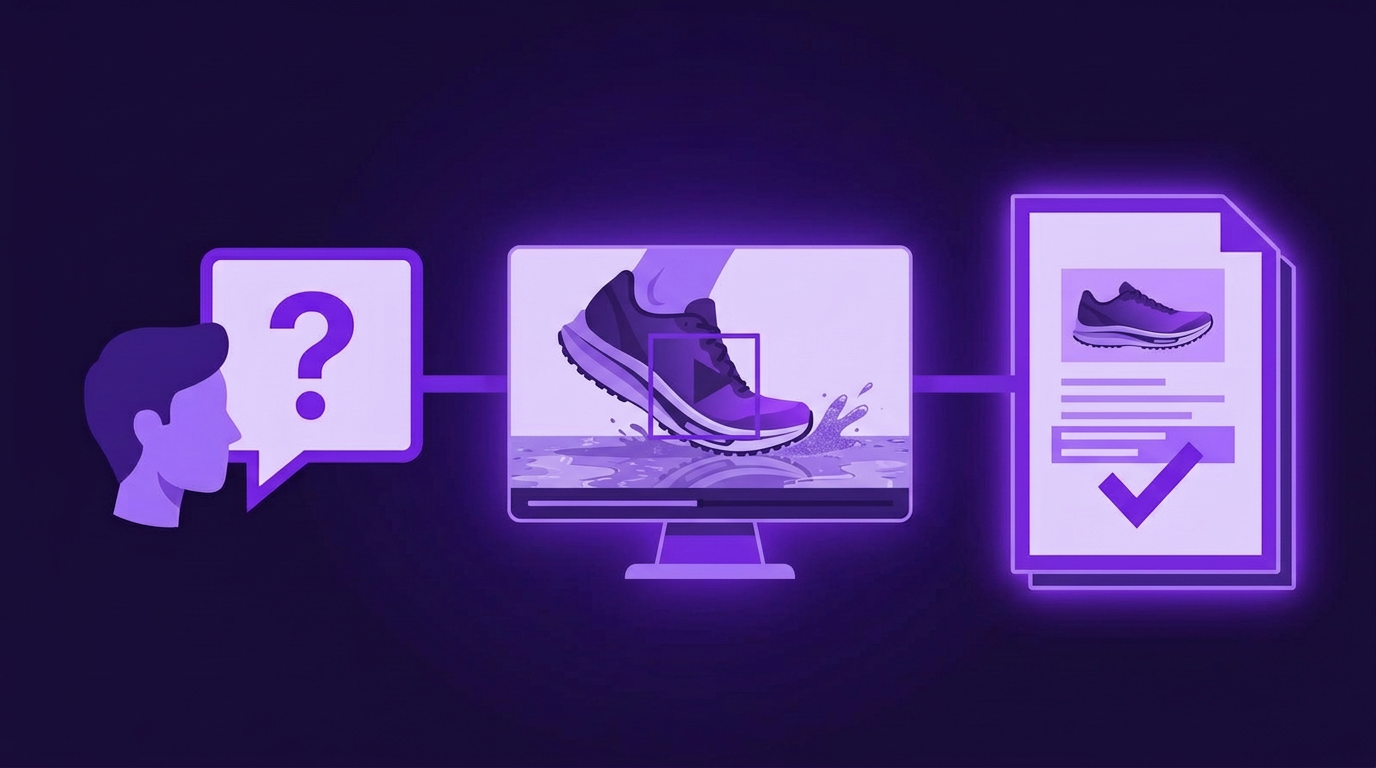
Create a reviewed map that connects customer questions to relevant video moments and approved product facts. At the end, you will know which questions are ready for content, which need clarification and which the available material cannot answer. This is the working record for a useful brief, before anyone starts expanding it into several hundred confident words.
Before you start
You need access to the relevant advertising in AdCyte, the current approved product information and a small set of genuine customer questions. Questions can come from support, sales, research or site-search records; remove personal or confidential details before using them in a shared workflow.
Confirm the product, market and asset versions. Analyse every advert in the selected campaign and review significant findings using the source-checking guide. You also need someone who can resolve product facts that the videos do not establish.
Use the question and evidence features available in your current workspace. Where a dedicated mapping view is unavailable, keep the same record in your existing brief or review document, with links back to the relevant AdCyte evidence. The review decisions below remain the same.
1. Choose one question with a clear purpose
Start with a question a customer might reasonably need answered before choosing or using the product. Preserve its original wording, then add a tidier working version only if necessary. Record the source of the question and the decision it supports.
For example, “Does the standard UK model include the carbon plate?” is precise enough to review. “Tell me about the shoe” leaves too much work for the person writing the brief.
If a question contains two distinct needs, separate them. Which version includes which component, and suitability for a particular surface, may require different sources. Keep related questions together without treating them as interchangeable.
Check: another reviewer should be able to explain what information would fully answer the question.
2. Find the relevant advertising evidence
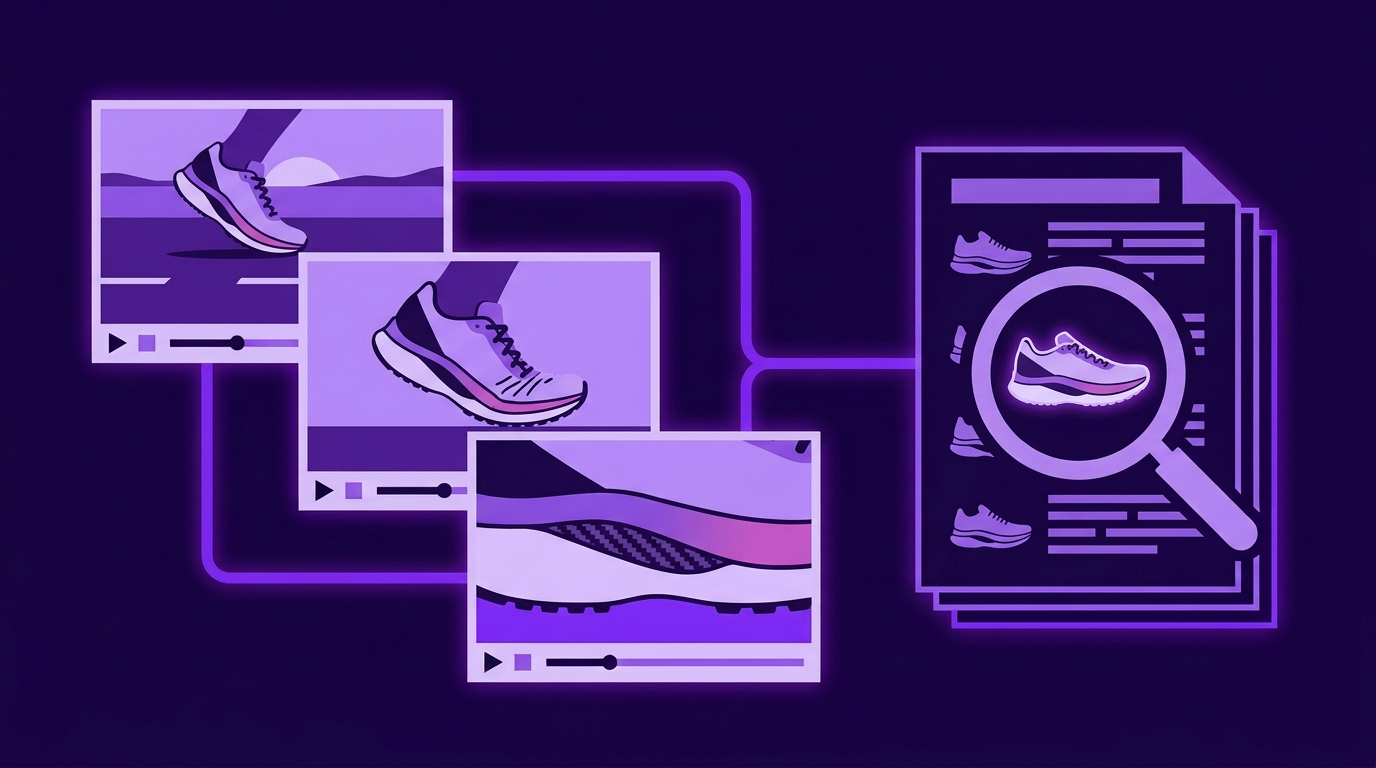
Review the findings for the selected assets and open the moments that appear relevant. Inspect the visuals, spoken words and on-screen text around each moment, allowing enough surrounding context to understand what is being shown.
Record the asset reference, supporting moment and a plain description of the observation. In the shoe example, an advert may show a carbon plate inside the midsole. Write that down accurately, without changing it into a statement that the plate is fitted to every model.
Check the other adverts in the collection for useful detail or conflicting context. A retail version may name a bundle that the hero film does not. The shorter edit may omit a qualification.
Check: each observation should describe what the source establishes, and the source should be easy to reopen.
3. Add the approved facts
Find the current authorised record for the relevant product and market. Confirm the fact required to answer the question, including model, version and any conditions. Record the source and its owner using the references available in your workflow.
For the shoe question, the product record may state that the plate belongs to the racing version. That fact determines the direct answer. The video supplies an example of the plate inside the midsole, but it does not replace the product specification.
If sources disagree, preserve both references and ask the appropriate owner to resolve them. Do not choose the source that produces the more convenient draft.
Check: the proposed answer should remain accurate when applied to the exact product and market named in the question.
4. Record the evidence status
Use the workspace's existing status model where available. Otherwise, the following review labels work in a brief; they describe editorial decisions rather than promising particular interface controls.
| Status | Meaning | Next action |
|---|---|---|
| Supported | The relevant sources can answer the question | Prepare a scoped brief |
| Partly supported | Some necessary information is available | Request the missing detail |
| Conflicting | Sources disagree materially | Ask the fact owner to resolve the conflict |
| Unresolved | The available sources do not establish an answer | Record a specific clarification request |
| Not assessed | Review has not been completed | Assign the review |
Record a short reason beside the status. “Partly supported: demonstration found, model availability unconfirmed” is useful. “Needs work” is a small mystery passed to a colleague.
Check: every incomplete question has an owner or a clear next action.
5. Turn a supported question into a brief
Write the direct answer in plain language, then identify the evidence, qualifications and supporting explanation the eventual content needs. Suggest the destination only after checking whether an existing page already serves the question.
Keep the brief compact. Include the question, audience, product scope, approved answer, source references, required conditions and proposed next step for the reader. Add an explicit instruction not to infer unsupported benefits from the demonstration.
Use the brand-guidance and brief guide if the output also needs brand language or campaign context. The evidence map establishes what the answer can say; the brief establishes how it should help the reader.
Check: an editor should be able to draft without inventing a missing product fact.
6. Review the map before moving to content
Ask the relevant reviewer to inspect the highest-consequence statements and any conflicts. Confirm the status and record the remaining questions. Keep the reviewed map connected to the content task through the references supported by your workspace or existing process.
Repeat the method across the selected question set. Prioritise questions that matter to customers, have useful support and lack a suitable current answer. Do not fill the queue simply because the analysis found plenty of material.
Check: the content queue contains supported work, while evidence requests remain clearly separate.
Your finished record
The following worked example shows the shape of a completed entry, using illustrative product details.
| Field | Example |
|---|---|
| Question | Does the standard UK model include the carbon plate? |
| Video evidence | Launch demonstration shows the plate inside the midsole |
| Approved fact | Current UK product record lists it in the racing version only |
| Answer scope | UK standard model and racing version, current release |
| Status | Supported after product-owner review |
| Proposed output | Add a version-specific answer to the existing product page |
| Required qualification | Do not imply that every model includes the plate |
This record can support a useful answer and a clear review decision. It does not require a new standalone article merely because the evidence came from a video.
If something does not look right
| Problem | What to do |
|---|---|
| The relevant finding is missing | Inspect the asset directly and record the evidence through the supported review process |
| The question is too broad | Split it into decisions that can be answered with specific facts |
| Two versions disagree | Confirm the current product and market with the source owner |
| The map contains only inferred questions | Add real questions from customer-facing teams and assess them separately |
Completion checklist
- The question has a clear audience need and product scope.
- Supporting moments have been reviewed in context.
- Consequential facts have an authorised source.
- Conflicts and missing evidence are visible, with owners.
- Supported questions have a destination-aware brief.
- The record remains connected to the next content task.
Next step
Use approved facts and source evidence to review the resulting draft. If your team needs to connect this process across a campaign library, book an AdCyte demo with a real question set.
FAQs
Can I use questions suggested by the video analysis?
Yes, as ideas to assess. Keep their origin clear and compare them with questions customers actually ask. A plausible generated question does not establish demand, and it still needs a reviewed evidence map before becoming a publishable answer.
What if the answer is supported by a product document but not the video?
Record that distinction. The approved document may establish the fact while the video supplies related context, or contributes nothing to that particular answer. Do not manufacture a video connection. The question can still be useful, provided the content accurately represents its sources.
Can one video moment support several questions?
Yes, when it is relevant to each. Review the role it plays in each answer and preserve any necessary context. Reusing a source reference is sensible; copying the same conclusion into different questions without checking its scope is where errors tend to begin.