What you will achieve
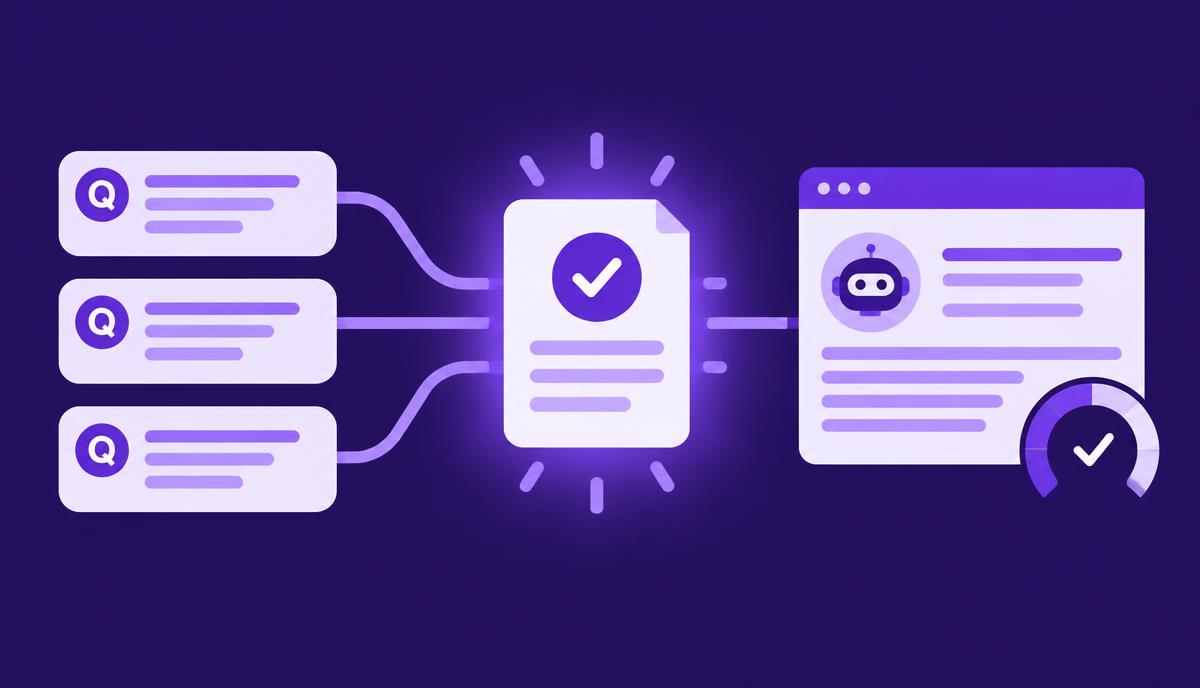
Create a small, clearly scoped visibility check and retain the evidence needed to interpret it. You will finish with the questions asked, the supported providers or surfaces used, the returned answers, eligible sample counts, failed checks and findings to investigate. The result is a baseline for observation, with enough context to make a later comparison meaningful.
Before you start
You need access to the AI visibility features available in your current AdCyte workspace, the brand and product names being assessed, and a manageable set of relevant public questions. Confirm the supported providers and collection methods in your setup rather than assuming every consumer AI product is included.
Have current approved product facts available for accuracy review. If you are observing a content change, record the relevant URLs and publication dates. Remove personal, confidential and account-specific details from proposed monitoring questions before they are submitted to an external provider.
Read the explanation of visibility measures if mentions, recommendations and citations are new to your team.
1. State the purpose of the scan
Write one sentence explaining what you want to learn. For example: “Understand how the brand is described in answers about its current UK product packages.” Keep the first scan narrow enough to inspect every answer.
Decide whether you are establishing a baseline, investigating an inaccurate statement or observing a defined content update. These purposes may use related questions, but they should not become one vague objective called “improve visibility”.
Record what the scan cannot establish. A small sample cannot show every answer a customer might see or prove that a publication caused a change.
Check: the purpose identifies a decision or investigation the results can support.
2. Prepare and review the question set
Choose questions that reflect real customer needs. Preserve their exact wording for repeat checks. Group them by intent, such as factual product questions, comparisons or category recommendations.
Keep questions naming the brand separate from unbranded category questions. Asking explicitly about a brand creates a different context from asking which product to consider. Combining the two can make a later increase in mentions look more meaningful than it is.
Review each question for unnecessary ambiguity, private information and assumptions about the product. If a question is adapted from a support conversation, turn it into a suitable public question rather than copying the entire exchange.
Check: every question has an intent label and an approved public wording.
3. Record the collection scope
Select the supported providers or measurement routes available in the workspace. Record the date, relevant settings exposed by the workflow and any limitations that affect interpretation.
Use the product's actual method labels. An API response is an observation from that route; it should not be relabelled as a result seen by all users of a consumer assistant. Similarly, a provider's model API is not automatically a measurement of its separate search features.
Retain the scope in a saved configuration or your existing monitoring record. If a setting cannot be fixed or observed, state that limitation rather than leaving a blank that later looks like a controlled variable.
Check: another reviewer can understand where the observations came from and how the scan was defined.
4. Run the check and inspect completion
Use the scan or monitoring action available in the current workspace. When results return, compare the attempted checks with the eligible returned answers and any failures.
Investigate missing results according to the actual status shown. A failed request, unsupported route or unavailable answer is not equivalent to a successful answer that omitted the brand.
If you repeat a failed check, retain the original failure and record the later attempt according to the reporting method. Avoid silently replacing coverage gaps with whichever result looks most complete.
Check: the record distinguishes attempted checks, usable returned answers and failures.
5. Read the answers behind the indicators
Open each returned answer and inspect its wording and sources. Assess the observations using consistent definitions, checking any automatically identified classifications against the source where appropriate.
| Observation | What to inspect |
|---|---|
| Mention | Whether and how the brand appears |
| Recommendation | Whether the answer recommends it for the stated need |
| Citation | Which source URL is referenced and what it supports |
| Accuracy | Whether material product statements match approved facts |
| Competitor presence | Which competitors appear and in what context |
Allow categories to overlap. A response may mention your brand, recommend a competitor and cite a third-party comparison. The answer has not read your dashboard's preference for a single tidy outcome.
Check: every important finding can be traced to an actual returned answer, with the relevant citation or factual source.
6. Summarise with visible denominators
Report counts and rates only against clearly defined eligible samples. Keep different provider routes and question groups distinguishable when their methods or purposes differ.
Here is a hypothetical result used only to illustrate the arithmetic. Four questions checked across three supported providers produce 12 attempted checks. One fails, leaving 11 eligible returned answers. Four mention the brand and two cite an owned source. The two cited answers may be included in the four mentions.
This supports an answer-level owned-source citation rate of 2 out of 11 for that defined sample. It does not automatically match a provider's differently defined Citation Share metric, and it does not establish customer reach or visits.
Check: the summary includes the question scope, providers, collection date, eligible sample and failures beside the observations.
7. Record the next action
Choose a small number of findings that warrant attention. An incorrect package statement may need a source investigation. An unclear citation may require checking the referenced page. A stable, accurate answer may require no content change.
Assign an owner and preserve the evidence. If the purpose is comparison, keep the original question set and collection scope for a compatible later run. Document any change in wording, providers or assessment definitions.
Check: the scan leads to an explicit decision, including the decision to leave satisfactory content alone.
Your finished scan record
- Purpose and question set, with exact wording and intent groups.
- Supported providers or routes, collection date and available settings.
- Attempted checks, eligible returned answers and failures.
- Saved answers and cited sources where the workflow supports retention.
- Reviewed observations, with counts and denominators.
- Important accuracy questions and named follow-up owners.
- A note on limitations and the basis for any future comparison.
Troubleshooting
| Problem | What to do |
|---|---|
| A check fails | Record the failure separately and inspect the actual status before retrying |
| A brand appears under a variant name | Review the answer and use a consistent documented classification rule |
| Answers vary between compatible runs | Preserve the variation; do not select one response as the universal result |
| A citation points to an old product page | Inspect the page and compare its statements with current approved facts |
Completion checklist
- The scan has a defined purpose and public question set.
- Provider and method labels accurately describe the collection route.
- Failures are separate from eligible answers.
- Important indicators have been checked against the responses.
- Counts, denominators and limitations are visible.
- Follow-up tasks and comparison settings are recorded.
Next step
If a product statement needs investigation, follow the correction guide. For a repeatable reporting programme, explore AdCyte's AI visibility workflow or book a demo with your proposed question set.
FAQs
How many questions should I use in the first scan?
Use a small set you can review completely and that represents the purpose of the check. There is no universal count that makes a sample reliable. Expand after you understand the workflow and the variation, keeping intent groups and changes to the sample visible.
Does a failed check lower our mention rate?
It should be recorded as a failure, not assessed as an answer without a mention. Calculate answer-based rates from eligible returned answers using a documented rule. Show attempted checks and failures separately so readers can judge coverage.
Can I use this scan to claim that a new page caused more citations?
The scan can record citations observed after publication. A causal claim needs a stronger test design and evidence addressing other explanations. Preserve the baseline and compatible settings, and describe the result as an observation unless the method supports more.