The Short Answer
Technology brands can use VideoGEO to connect what a demonstration shows with the configuration, compatibility and current product information a buyer needs. AdCyte helps teams inspect video findings and prepare reviewed written explanations. The useful answer names the relevant product, explains the demonstrated behaviour and preserves any conditions from approved references. It should help someone understand whether the example applies to their situation, rather than turning one successful demonstration into a universal performance promise.
Three key takeaways
- A demonstration shows behaviour in a particular setup. Compatibility and broader performance claims need appropriate current references.
- Product generation, software version, accessories and market can materially change the answer.
- Use reviewed video evidence to improve product and support explanations, then observe discovery and customer outcomes with separate measures.
Why do impressive demos still leave buyers uncertain?
A technology demo is designed to make a capability visible. It may show a speaker joining a system, a camera connecting to an app or a device moving between tasks. The sequence can be persuasive while leaving the buyer's most important question unanswered: will it work in my setup?
The buyer may own an older model, use a different software version or need an accessory that was already connected before filming began. The demonstration does not necessarily show those conditions because the creative had a specific job and limited time.
Written explanations can make the context explicit. They can identify the configuration, explain the visible action and direct the reader to current compatibility or setup information. That is useful content in its own right, with a clear role in the buying journey.
The opportunity is especially strong when the campaign contains a good demonstration but the public page offers only a feature label and a reassuring adjective. “Connected” is a promising word; customers often need to know what connects to what.
Describe the demonstrated setup before generalising
Start by identifying the products and visible components. Review the relevant video moments in AdCyte and record what happens in sequence. Distinguish an action shown on screen from an instruction written on screen: a caption telling someone to pair a device does not establish that the pairing action is visibly demonstrated.
Then identify the context needed to interpret the sequence. That may include model generation, software version, accessory, account requirement or network condition. Use approved references for details the footage cannot establish.
If the setup is unclear, ask the product owner or production team. Do not fill the gap with a plausible configuration simply because it would make the explanation easier to write.
The demonstrated configuration is part of the evidence. Retaining it makes the content more useful to a buyer and gives reviewers a clearer basis for checking the claim.
Separate three kinds of statement
Technology content often mixes observed behaviour, approved product facts and broader performance conclusions. Review them separately so the strength of one source is not borrowed by another statement.
| Statement type | Example | What supports it |
|---|---|---|
| Observed behaviour | Two speakers play together in the filmed sequence | Reviewed video evidence |
| Approved compatibility | The named model supports a specified configuration | Current authorised compatibility information |
| Performance conclusion | A claim about speed, range or comparative quality | Appropriate approved evidence and its conditions |
A visually smooth sequence cannot establish every performance property. Editing may compress time, omit setup or use a specific environment. That does not make the film deceptive; it means the written explanation should understand what kind of evidence it is using.
Where the campaign contains a quoted or on-screen claim, record it accurately and check its approved scope before reusing it as a current product statement. The claim's appearance in an advert is a source fact, while its broader substantiation is a separate question.
Follow a wireless-speaker demonstration
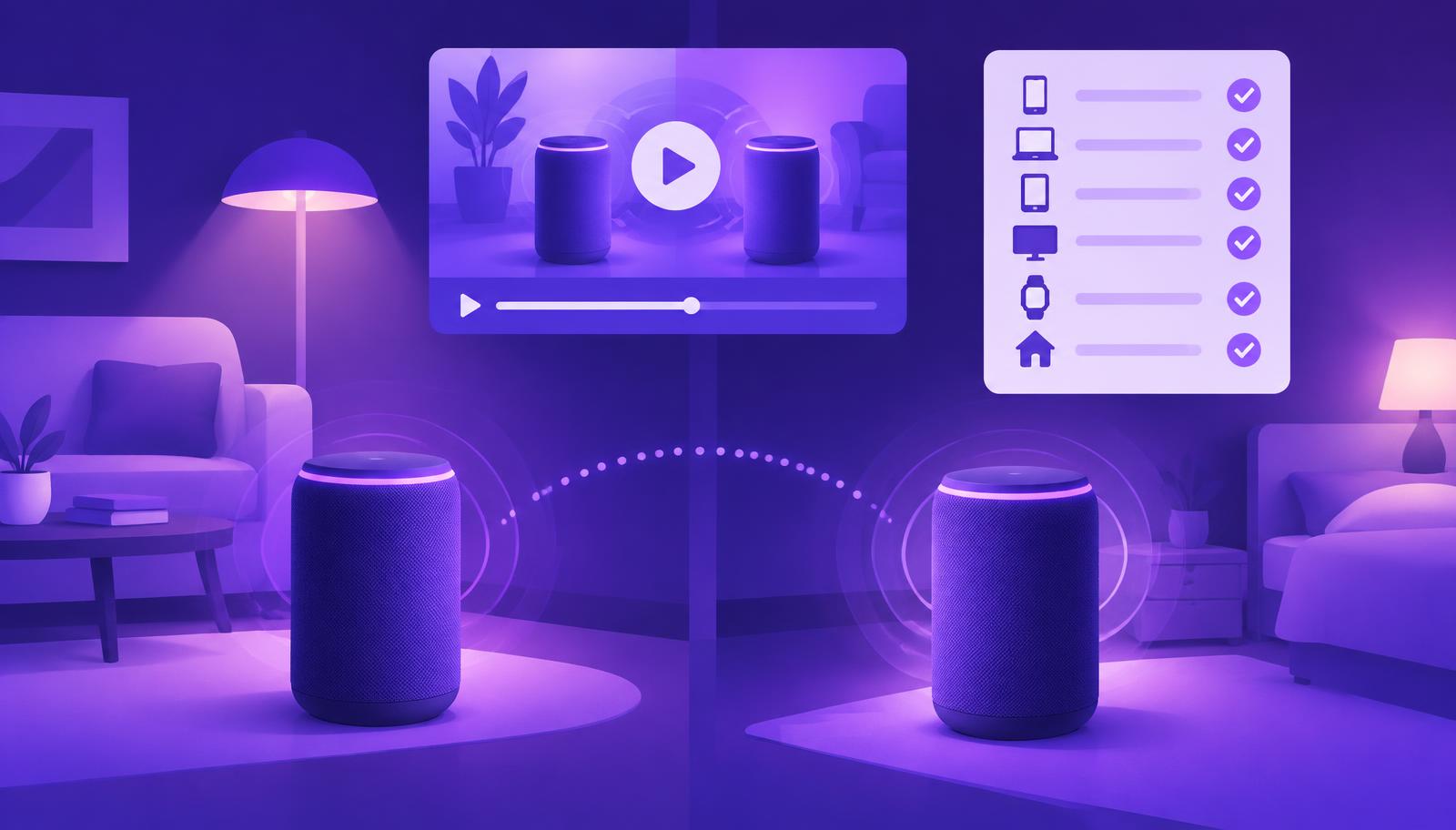
Imagine a campaign showing two speakers in different rooms playing the same track. The main film emphasises the experience, while a shorter demonstration focuses on the visible setup sequence. Analyse both, including any product labels and on-screen wording.
The reviewed findings can support a clear account of what the campaign demonstrates. Current product information should establish which models are shown, which configurations are supported and where the buyer can find the relevant setup instructions.
A useful product answer might explain the demonstrated arrangement, identify the model and link to the maintained compatibility page. A buying guide might compare supported configurations using verified information for each. A video description could orient viewers without reproducing the entire setup document.
The draft should not acquire “works with all your existing speakers” unless that exact scope is supported and approved. A room full of music is not a compatibility matrix, however convincing the bass line.
Put the explanation where the buyer needs it
The strongest first destination is often an existing product or support page. Add the explanation near the relevant feature, with current references and a useful next step. Keep detailed setup instructions in their maintained destination rather than creating an unofficial parallel manual.
If a question spans several products, a comparison or buying guide may be justified. It should explain the choice and its conditions, using a consistent basis for comparison. Avoid ranking products by inferred qualities from separate campaign films.
Campaign pages and video descriptions can provide context and link to the current technical answer. Professional posts can discuss the product idea or design problem using approved facts. Each version should have a purpose and a maintenance owner.
The publication-destination article explains how to make those choices. Preparing several versions in AdCyte does not establish a native connection to every external publishing platform.
Keep product generations and software changes visible
Technology information can change after the film is produced. A software update may alter a workflow, a new generation may use a similar name or a supported configuration may change. The content record should identify which sources and versions informed the answer.
Use a clear product name where ambiguity matters and preserve the relevant version context. If the public page covers several versions, organise the explanation so readers can find the one that applies to them. Do not bury a material distinction in a distant FAQ while making an unqualified claim near the top.
When information changes, review the video, written explanation and links together. The film may still illustrate the concept while needing a qualification, or it may be unsuitable for the current task. A rewritten paragraph cannot always repair a demonstration of an obsolete interface.
The content-update guide provides a practical way to track those decisions across destinations.
Connect product, content and support reviewers
Technology answers benefit from reviewers with different perspectives. The product owner can confirm the specification and compatibility. Support can identify where readers become confused. Content can make the explanation readable. The publishing owner can keep the destination coherent and current.
Give them a compact review pack: customer question, exact product, relevant video moments, approved references, draft and intended location. Highlight uncertainty instead of expecting each reviewer to discover it independently.
AdCyte supports the evidence-to-writing workflow, but the organisation retains responsibility for the authorised product answer. Confirm any integration with technical documentation or product systems before relying on it. A link to a reference is useful; it is not proof that future changes will synchronise automatically.
This approach can reduce repeated reconstruction of context while keeping the expertise that the answer genuinely needs.
Choose questions that reveal useful gaps
Start with questions customers ask about the demonstrated capability: what is shown, which setup it requires, which product it applies to and where to find current instructions. Separate documented demand from editorial questions proposed for testing.
Run every ad in the selected campaign through AdCyte, then prioritise the answers with the clearest evidence and practical value. A main film, setup demonstration and short feature cutdown may each contribute something different to one coherent product explanation.
Review the pilot's outputs and effort. Can a buyer identify the relevant configuration? Can a reviewer trace the statement? Is the page owner able to maintain it? Those questions provide a useful foundation for expanding the workflow across the range.
If AI visibility is monitored, inspect whether sampled answers preserve product and configuration details. Keep those observations separate from support demand, referral visits and sales measures. An accurate answer is valuable evidence about that response, rather than a universal statement about the market.
Explore AdCyte for technology brands, or book a demo with a product demonstration and the compatibility questions your team needs to explain more clearly.
FAQs
Can a video demonstrate compatibility?
It can show a particular setup working in the filmed sequence. Use current authorised compatibility information to establish the broader supported scope. Keep the model, configuration and relevant conditions clear in the written answer.
Should we include software versions in every explanation?
Include version context when it materially affects the answer. Keep it in the working record even where the public wording can remain simpler. The product owner should decide which distinctions readers need to avoid using the wrong guidance.
Can AdCyte replace our technical documentation?
The workflow described here complements maintained product and support information. Use those sources for authoritative instructions and specifications. Do not assume that generated explanations replace technical documentation or inherit its update process automatically.
What if the campaign shows an old interface?
Review whether the film still helps the intended task. It may need clear historical context, a revised explanation or a replacement asset. Check the video and the surrounding copy together so the page does not give conflicting instructions.
Can we claim a product is faster based on the demonstration?
Use appropriate approved performance evidence and its conditions for that claim. A filmed sequence alone may not establish a general or comparative speed result. Describe what is actually shown without converting it into an unsupported benchmark.
Which content should we create first?
Start with a useful answer to a repeated buyer or support question, usually on an existing product or support page. Add a separate guide when the reader needs a fuller comparison or workflow with enough verified substance.