
What you will achieve
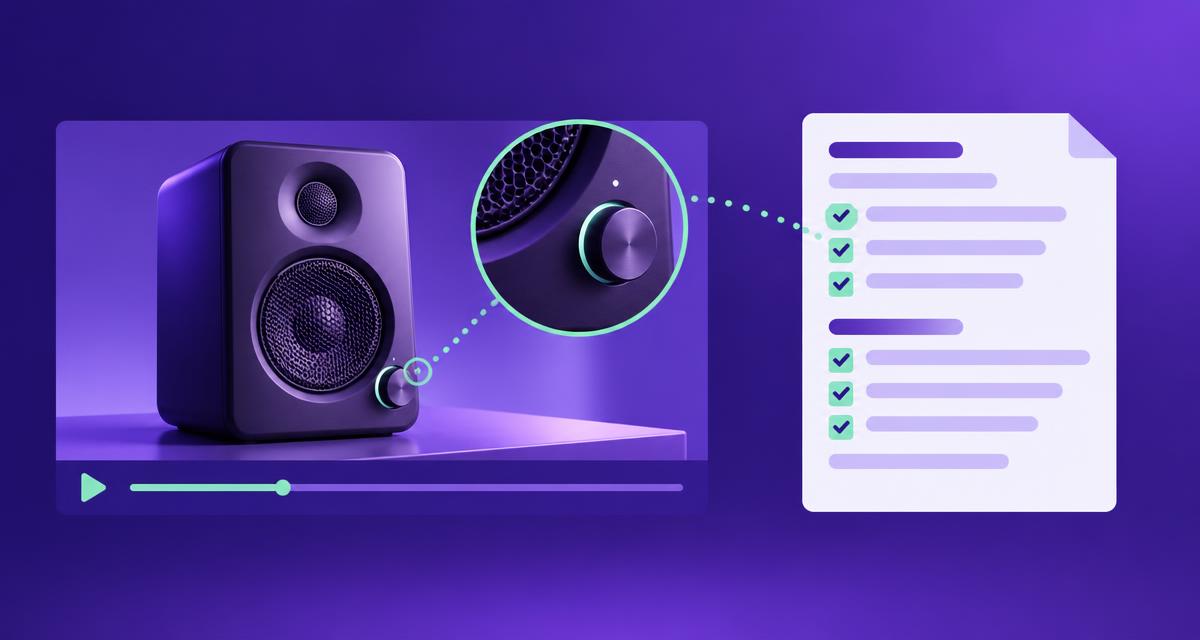
Create a practical brief for improving a product page using evidence from a video demonstration. The finished document will identify the product, the customer question, the supporting moments, proposed copy, required references and the person responsible for each unresolved detail.
Use AdCyte to inspect the campaign evidence and support the available writing workflow. Assemble the brief in an ordinary working document if that is the most useful handover format. This guide does not assume a native product-page brief builder or a direct connection to your ecommerce CMS.
Before you start
Gather the final advert, the intended product-page destination, approved product references and relevant brand guidance. Identify an authorised product reviewer and the person who can implement page changes. Include related campaign edits where their wording or demonstrations affect the context.
The worked example uses an illustrative cleaner called Fold Compact. The example facts below are supplied for the exercise, not claims about a real product. Replace them with verified information from your own campaign before using the brief for publication.
1. Confirm the exact product and destination
Record the model, variant, market and page owner. Open the intended product page through your normal workflow and check whether it represents the product shown in the advert. Note any naming differences or configuration issues.
Do this before drafting benefits. A beautifully written explanation on the wrong variant's page remains a mistake, albeit a well-dressed one. If the destination has not been agreed, keep that decision open rather than inventing a URL for the brief.
Check: a reviewer can identify the exact product and intended page without relying on the campaign nickname.
2. Define the customer question and page gap
Write one primary question the proposed change should resolve. Explain where the current page falls short and where the new information belongs. Distinguish a missing answer from an existing answer that is simply hard to find.
For the Fold Compact example, the question is: “How does the folding design help with storage, and what should I check before buying?” The page gap is that the folding feature is named but not explained. The proposed placement is the existing storage-feature section, close to the current product dimensions and instructions.
Check: the requested change has a clear purpose and does not duplicate an existing section unnecessarily.
3. Inspect and record the supporting moments
Review the advert in AdCyte and open the relevant findings. Record the asset version, moment and precise observation. Keep the description close to what a person can inspect in the footage.
| Example source | Observation or approved fact | Permitted use in this brief |
|---|---|---|
| Final product frame | The model is identified as Fold Compact | Connect the demonstration with the correct product |
| Demonstration at 00:05 | The handle is folded before storage | Explain the folding action |
| Storage scene at 00:12 | The product stands in the depicted folded configuration | Describe the shown position without generalising to all arrangements |
| Approved example instructions | Use the specified folded storage position and current instructions | Preserve the storage condition |
| Maintained product reference | Current dimensions are held on the product page | Direct readers to the current measurements; do not invent values |
Retain unresolved issues separately. The example does not establish universal cupboard fit, charging in the folded position or included accessories. A brief should make those limits easy to spot before someone turns them into benefits.
Check: each proposed factual statement has an inspectable source or an explicit research requirement.
4. Separate the proposed changes
Give the website team a small set of implementable requests. Specify whether each request changes existing copy, adds a new section or improves a link. Include the reason for the change so the team can judge placement within the existing design.
For this example, request three changes: replace the vague storage sentence with a clear explanation; add one storage FAQ if the page does not already answer it; and make the maintained dimensions and instructions easy to reach.
Do not ask the implementer to add a fresh landing page simply because the brief contains enough words to fill one. The purpose is to improve the existing buying journey.
Check: every proposed component answers the defined question or supports the reader's next action.
5. Draft the product-page copy
Prepare the actual wording so the brief can be reviewed concretely. The following worked copy uses only the supplied example facts. Adapt it to the brand's house style and current references.
Proposed section heading: How does Fold Compact work for storage?
Fold Compact's handle folds for storage. The demonstration shows the handle being folded and the cleaner placed in the specified folded configuration.
Check the current product dimensions against the space where you intend to store it, and follow the storage instructions for this model. The film shows the design in use; the measurements help you decide whether it suits your space.
Proposed FAQ: Will Fold Compact fit in my cupboard?
Compare the current product dimensions with your available space and follow the model's storage instructions. The folding demonstration shows the storage design, but it does not establish that the cleaner will fit every cupboard.
Proposed action: Check dimensions and storage instructions
Link this action to the maintained information for the exact product. If dimensions and instructions have separate destinations, use two descriptive links within the established page component. Avoid a generic “Learn more” link that conceals where the useful answer lives.
Check: the copy explains the feature, preserves the condition and gives the customer a practical next step.
6. Assemble the handover brief
Put the evidence and proposed copy into one reviewable document. The following is the completed example structure; the destination and named people are implementation fields to resolve, not public placeholders.
| Brief field | Worked example |
|---|---|
| Product | Fold Compact, exact campaign model; verify relevant market and variant against the live catalogue |
| Destination | Existing matching product page, to be confirmed by the website owner |
| Customer question | How does the folding design help with storage, and what should I check? |
| Current gap | Feature named without a clear explanation or obvious route to measurements |
| Requested changes | Replace storage copy; add or improve the storage FAQ; improve dimensions and instructions links |
| Evidence | Final product frame, 00:05 folding action, 00:12 storage scene and approved instructions |
| Copy | The section, FAQ and action supplied above |
| Claims excluded | Universal fit, unsupported charging behaviour and unspecified accessory inclusion |
| Product reviewer | Named authorised reviewer required before implementation |
| Website owner | Named implementer required to confirm placement, links and live checks |
| Review trigger | Relevant product, instructions, configuration or destination change |
Attach or reference the maintained sources through the team's approved process. The publisher needs enough access to verify the content, without spreading private review notes into the public page.
Check: the brief can be acted on without asking the recipient to reconstruct its reasoning from several messages.
7. Review facts, usefulness and implementation
Ask the product reviewer to check identity, wording and qualifications. Ask the website owner to check placement, duplication and the proposed links. Resolve substantive disagreements before recording approval.
Keep product-data and technical implementation checks with the responsible ecommerce team. Google's product-data guidance is a relevant reference for that work. A content brief should not claim to update structured data, feeds or other systems merely by mentioning them.
If an open question is unnecessary to the answer, leave that claim out. If it prevents the promised explanation from being accurate, hold the affected copy until it is resolved.
Check: the approved brief identifies exactly what may be implemented and any remaining dependency.
8. Hand over and check the published result
Send the approved brief through the team's established publishing process. If you are responsible only for preparation, record acceptance by the receiving owner and keep publication status separate from brief completion.
After implementation, check the actual page. Confirm the correct product, complete wording, retained qualification, functioning links and usable mobile layout. Record any divergence and who will correct it. A document marked approved is useful evidence about the document, not proof that the website matches it.
Check: publication is recorded only after the live result has been inspected through the agreed process.
Troubleshooting
| Problem | Practical response |
|---|---|
| The film shows a different variant | Resolve the product relationship before extending the claim |
| The demonstration is too brief to interpret confidently | Inspect the moment and related sources; omit an uncertain interpretation |
| The product page already answers the question | Improve placement or linking rather than duplicating the explanation |
| Current dimensions or instructions are unavailable | Assign the missing reference and hold copy that depends on it |
| The CMS cannot support the proposed component | Adapt placement within the existing design while preserving meaning |
| A qualification disappears during implementation | Correct the live wording and review the affected claim |
Completion checklist
- Exact product, relevant variant and intended destination confirmed.
- Customer question and current page gap recorded.
- Video moments and approved references linked to the proposed facts.
- Finished section, FAQ and next action included where needed.
- Unsupported claims excluded and dependencies assigned.
- Product review and implementation responsibilities recorded.
- Brief acceptance and actual publication status kept separate.
- Live copy, links and layout checked after implementation.
Build your first brief
Review your campaign evidence in AdCyte, then use this structure to give your website team a precise content request. For the wider workflow, explore VideoGEO content generation.
FAQs
Is this brief a native AdCyte feature?
The brief is an editorial working document. Use the available AdCyte evidence and writing capabilities, then assemble the handover in the format your team needs. Do not assume a dedicated interface unless it exists in the current product.
Can one brief use several video ads?
Yes. Review the relevant assets and retain the source version for each finding. Make sure the products and conditions are compatible before combining evidence into one explanation.
Does completing the brief mean the product page is published?
No. A completed brief is ready for the agreed review and implementation process. Record publication only when the responsible owner has implemented and checked the actual destination.